
Parental Accounts
Canvas Observer Account
Parent(s)/guardian(s) with a student registered at FCA are recommended to set up a Canvas account (called Observer ). An Observer can see all course content and grades specific to their student only in the Canvas platform. Observers can also opt in to email notifications and digests about course activity.
Information about setting up an Observer account is available in Student Onboarding and will periodically be sent to families that do not have active Observer accounts. FCA will also hold live webinars and post on the blog resources for managing your Observer account!
Securly Parent Account
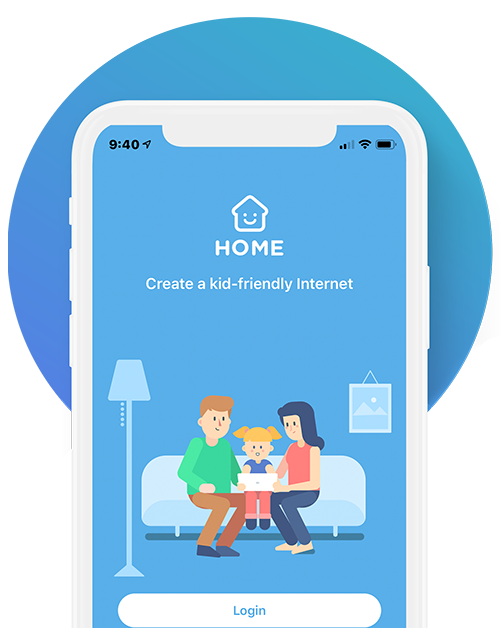
SecurlyHOME (iOS or Android) is a mobile app that allows parents/guardians to monitor all internet activity on an FCA student account. This includes receiving automated weekly reports via email and the ability to block websites otherwise not covered by filters. The Securly account is created within two weeks of student enrollment.
If you have not received your Securly account, please contact the Help Desk. If you have any issues with Securly, please contact help@securly.com.
First Day
Once your student's enrollment process is completed and their start date arrives, you can expect the following:
Chromebook Kit
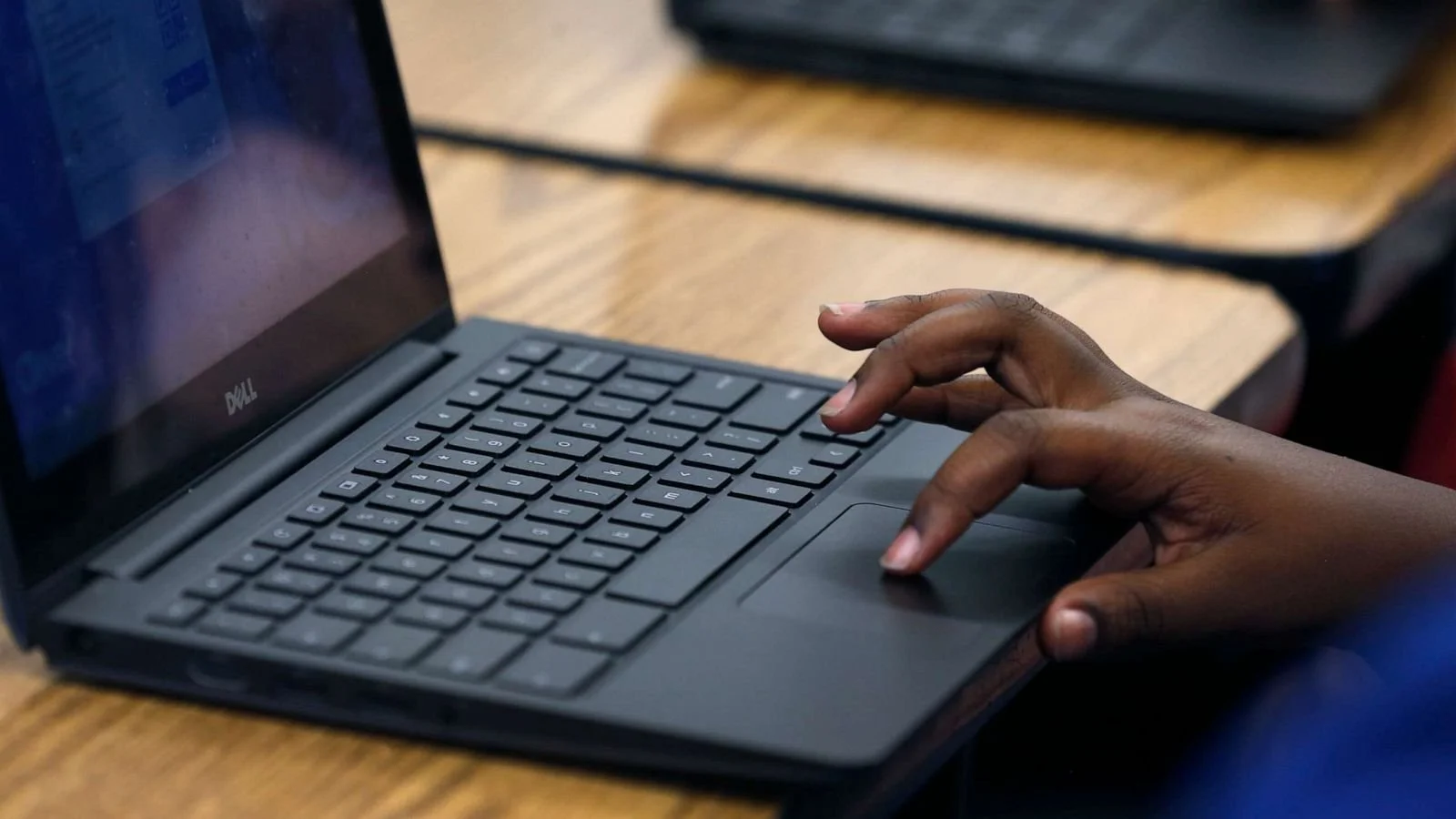
Your student's Chromebook kit, which includes all technology needed for the school year, will be shipped via FedEx. K-5 students will receive a separate shipment of physical materials, also.

Account Email
Next, keep an eye out for a message from the Help Desk to the email used to register your student. In it are the student FCA account credentials and next steps for getting started! These emails are automated to go out around 7AM the morning of the student’s first day. If you do not receive an email the morning of the scheduled start day, please reach out to the helpdesk.

Complete Orientation
Lastly, students will find that they are enrolled in Student Onboarding, a comprehensive Canvas course that introduces them to the FCA program and technology. Once this is completed, their content courses will be ordered! You will also hear from the Homeroom Teacher during Onboarding to answer academic questions.
FCA Newsletter - April
Past Newsletters
Frequently Asked Questions
About FCA
-
Nope! There is no tuition. Frontier Charter Academy is a free public school for any enrolled Oregon student.
-
Frontier Charter Academy provides a free Chromebook computer for every student once they are enrolled.
-
Frontier Charter Academy provides all books and learning materials free of charge.
-
Yes, teachers are licensed and certified Oregonians. Frontier Charter Academy provides many face-to-face opportunities to meet students and families for the purpose of educational and social events.
-
Students can work from any productive setting with a reliable internet connection. Many students attend class or work on projects from their Chromebook riding in the car, while on a trip, or at a friend’s house!
Student Programs & Academics
-
Every student’s school day will look a little different! Students in grades K-5 will spend less time on independent online work in Canvas, and more time in live sessions in Zoom and with activities involving an adult at home. Students in middle school and high school will spend more of their day completing independent work in Canvas and Google and working with teachers in Zoom class sessions. A school day is traditionally about five hours long, so this can be a baseline expectation for a typical day at FCA; however, some students will complete work more quickly or break up their work across the day rather than a single block.
-
Live classes are about 30 minutes in grades K-5 and about 60 minutes in middle school and high school. Grades K-5 have four classes per week, 6-8 has five, and high school has at least six depending on course enrollments. Students can also work in small group or one-on-one sessions, too. Also, live classes are recorded for students unable to attend a certain class.
-
Teachers are working from 8:00-5:00 on school days, and generally get back to messages quite quickly. At the very latest, a turnaround of 24 hours can be expected.
-
Generally speaking, nothing distinguishes ‘homework’ from the schoolwork the student is already doing as part of their day. Students will often be recommended extra activities to either practice or challenge some skills, and may work on projects in which they choose to go above and beyond. Beyond these optional situations, students will likely sign off after they have completed their day’s hard work without the need for additional homework.
-
Yes, Frontier Charter Academy is an associate member of the OSAA, which allows any student to be eligible to play for their local school.
-
Once you pre-register, please touch base with the academic administrator who responds to your query. There are many ways to accomplish this, but it depends on the district and courses offered. We will help work with you to support your student!
Special Programs
-
Yes! FCA will hold an intake meeting after enrollment to go through your current IEP and adapt to fit our virtual environment.
-
We have an inclusion model where we build in accommodations and supports in our general education classroom as much as possible. Our teachers and case managers work hard with families to ensure student needs are being met and we value communication above all else to help your child thrive.
-
We do! We work with eTherapy to offer these services virtually. During the intake meeting related services will be discussed with the team and scheduled at times that work for your family.
-
Upon registering you will receive a welcome call from your child’s homeroom teacher. This is a great time to share concerns. Your child’s teacher will be able to put you in contact with the staff member who can best address your concerns. Similar to brick and mortar settings, we will provide a series of interventions prior to evaluating for Special Education or possibly some screening assessments. We will work with you throughout this process.
-
We recommend discussing this process at your intake meeting and we can walk you through the appropriate steps.
-
Please contact Katie Winning (kwinning@frontiercharteracademy.org), Director of Student Services with questions.